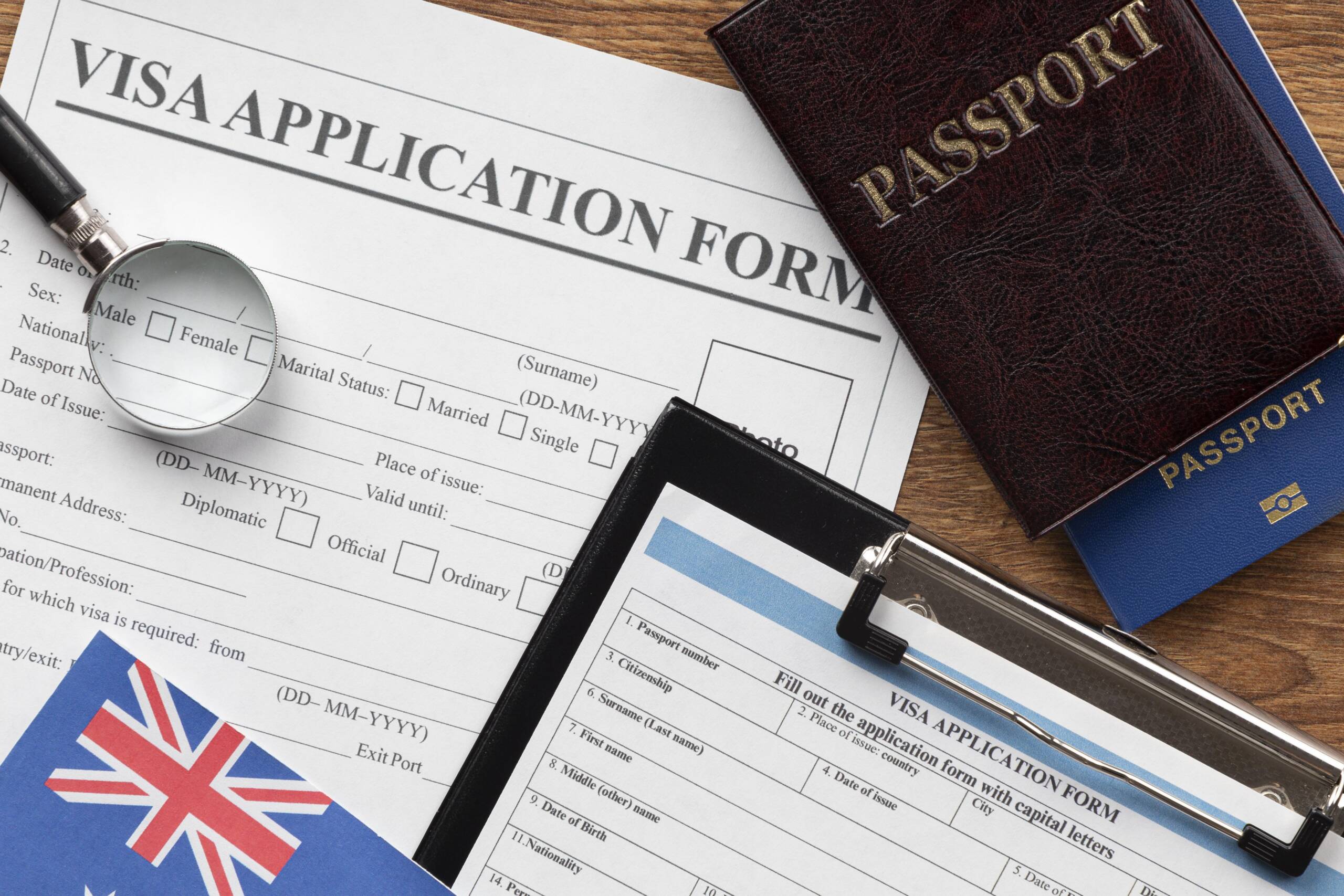
United Kingdom Implements eVisa’s From 25th February 2026.

London; January 2026: UK Visas and Immigration (UKVI) are replacing physical immigration documents with a digital immigration status, known as an eVisa.
Making a new application for permission to come to the UK from 25 February 2026. You may not get a visa sticker if you make a successful application for a visit visa or some other visa types on or after 25th February 2026. Instead, you will need to access your eVisa through your UKVI account to see the permission you have been granted before you travel to the UK.
eVisa’s will replace all visa stickers in 2026. From 12th January 2026 most people granted a visit visa, and some other visa types will be told that they will get an eVisa as well as a visa sticker.
Most people with a valid UK visa sticker that was issued before 12th January will also be able to access their eVisa through their UKVI account. Later in 2026, UKVI will stop issuing visa stickers. All successful applicants will only get an eVisa.
As per Governmental Notification dated 28th January 2026:
- Customers granted permission to stay in the UK for more than 06 months, or who have indefinite leave to remain (also known as settlement) need an eVisa to prove their identity and status in the UK.
- Since 18 March 2024, the government have been advising people who have biometric residence permits (BRPs) expiring on 31 December 2024 with permission to enter or remain in the UK past that date, to create a UKVI account to access their eVisa.
- Customers granted permission to stay in the UK for more than 06 months, since 31 October 2024 when the Home Office stopped producing BRPs, have been advised to create a UKVI account to access their eVisa.
One need to possess a UK Visas and Immigration (UKVI) account to access your eVisa:
If your partner and children are joining you in the UK as ‘dependents’ then they need their own UKVI accounts to access their eVisa’s.
Who can access an eVisa: You can usually access an eVisa if you have:
- any visa which allows you to be in the UK (England, Scotland, Wales or Northern Ireland) for more than 6 months
- settlement in the UK (also called ‘indefinite leave to remain’)
- You can also access an eVisa if you have permission to be in the UK for 06 months or less and you have:
- a work, study or transit visa
- most types of visit or family visa
- You’ll usually be told if you can access an eVisa when you get your visa decision.
- You can choose whether to access an eVisa if you have a physical immigration document which has no expiry date and proves you have settlement in the UK. You’ll need to make a ‘no time limit’ application.
When you do not need an eVisa: You do not need an eVisa if you:
- are visiting the UK with an electronic travel authorisation (ETA)
- are exempt from immigration control, including if you’re a diplomat or have ‘right of abode’
- have permission to stay in the Channel Islands or the Isle of Man
Check if you already have a UKVI account: You’ll already have a UKVI account if you’ve ever:
- used the ‘UK Immigration: ID Check’ app to confirm your identity when applying for a visa
- created an account when applying for a visa – you’ll have received a UKVI account confirmation email
- replaced a physical immigration document with an eVisa, for example a biometric residence permit (BRP) or biometric residence card (BRC)
- applied to the EU Settlement Scheme
If you already have a UKVI account then you should not create another one. If you’re not sure whether you already have a UKVI account, you can try to sign in to view your eVisa.
Create a UKVI account:
To create an account, you’ll need a phone number and email address that you can use each time you sign in. You’ll also need one of the following, if you have them:
- a valid passport and your visa application number – this is a global web form (GWF) number or unique application number (UAN)
- a valid passport and your BRP number
- your expired BRP card – you can use it for 18 months after the expiry date printed on the card
After you create your account, you’ll be asked to confirm your identity and link your account to your eVisa. You’ll need access to a smartphone so you can install an app to confirm your identity. You’ll be able to confirm your identity another way if you either:
- do not have a valid passport or an expired BRP card;
- cannot access a smartphone or use the app.
Team Maverick.








Sugar Prices Rise Sharply Across India Amid Monsoon Concerns, Strong Demand
New Delhi, July 2026 : Sugar prices have witnessed a sharp increase across India over the …

Sugar Prices Rise Sharply Across India Amid Monsoon Concerns, Strong Demand
New Delhi, July 2026 : Sugar prices have witnessed a sharp increase across India …